Getting Into AI Infra
2026 April
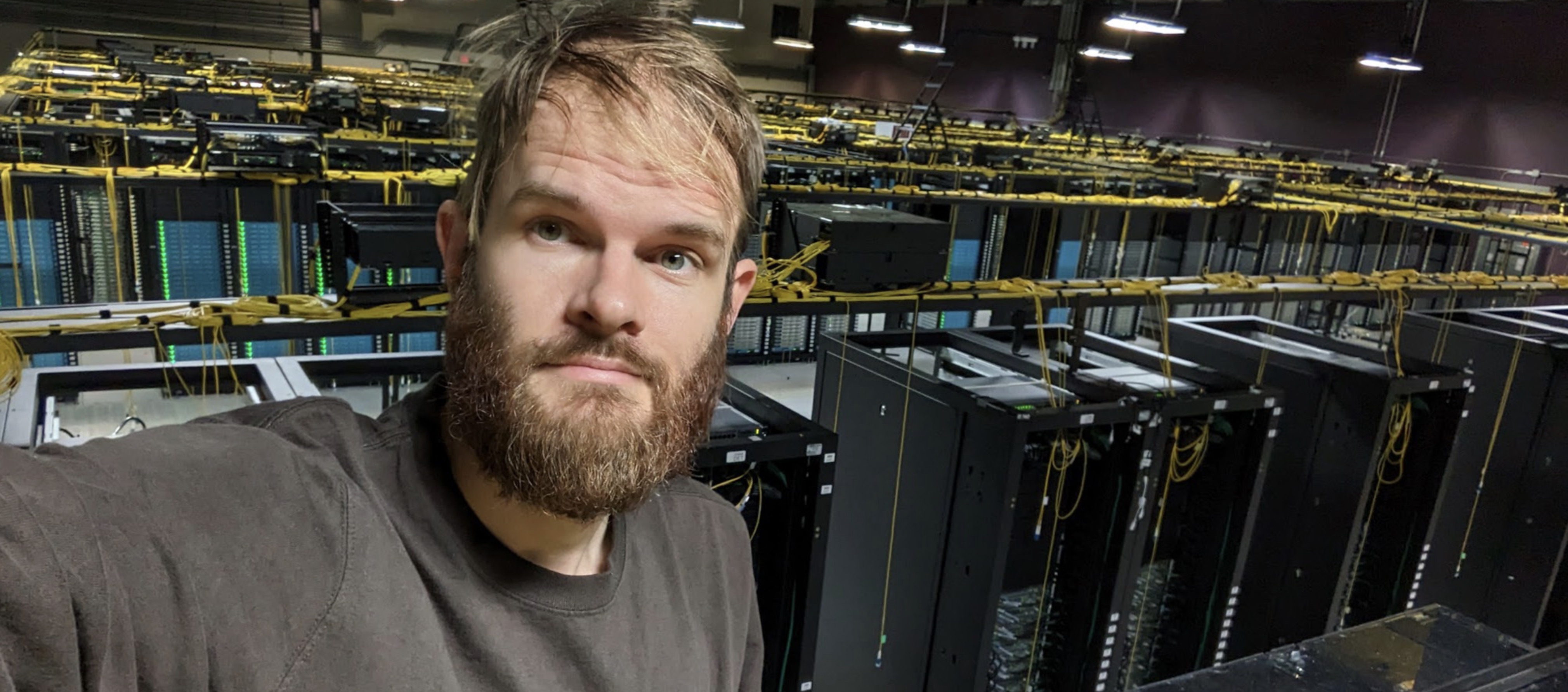 me on the ladder, during epic datacenter refactor
My next blog post will be about my 10-year Silicon Valley AI tour of duty — NVIDIA -> Tesla AI -> X -> DeepMind -> OpenAI — but I wanted to start with something more practical: how to get into AI infra.
I joined NVIDIA in 2016, back when the Deep Learning Systems team still fit in one room. “AI infra” was not really a ‘thing’ yet. When @clmt started the ‘AI Infra’ org I was the first engineer to join.
This post is my version of how I made my way there, and a fun way to catch up.
So You Wanna AI Infra
I would love for more people to get into AI infra. The world needs an enormous amount of compute, which means it also needs more engineers who know how to build, run, and reason about it. That includes newcomers, researchers, and people working more on Infra To The AI who want to step closer to the workload itself.
The fastest way I know to learn this field is to build real systems yourself. Start with one machine. Put a real workload on it. Turn that machine into a server. Then learn what changes when you have more than one. At each step, the abstractions get less abstract. Because there’s physicalities involved, you can’t learn this by just reading. Doing it will force you to get a complete and connected comprehension of the craft.

Build Performance Intuition
For a lot of people, games are a good gateway into systems. They make you care about frame times, latency, thermals, cooling, bandwidth, and bottlenecks in a very concrete way. When I would lose, it’s usually due to lag and hardware issues. You stop thinking of the machine as a sealed box and start thinking about the shape of it.
If games are not your thing, that is fine. The underlying lesson still applies. Find something that makes you care about performance: graphics, computer vision, simulation, robotics, local models, video pipelines, anything. The important part is that you want the machine to go faster for a reason.
That is why I think building your own PC is such a good first step. Once you assemble the machine yourself, you are forced to learn the components, the connectors, the power limits, the case constraints, the motherboard trade-offs, and all the annoying little details that clean diagrams skip. You learn very quickly that two GPUs may fit physically but not electrically, that adding more accelerators can mean changing your PSU and motherboard, and that PCIe gen and lane counts and matter whether you were planning to care about them or not.
If you cannot explain exactly why you chose one GPU over another, how are you going to answer the professional version of the same question later? H100? B200? GB200? Which GPUs should we buy for this workload? This is exactly where the infra and the AI come together.
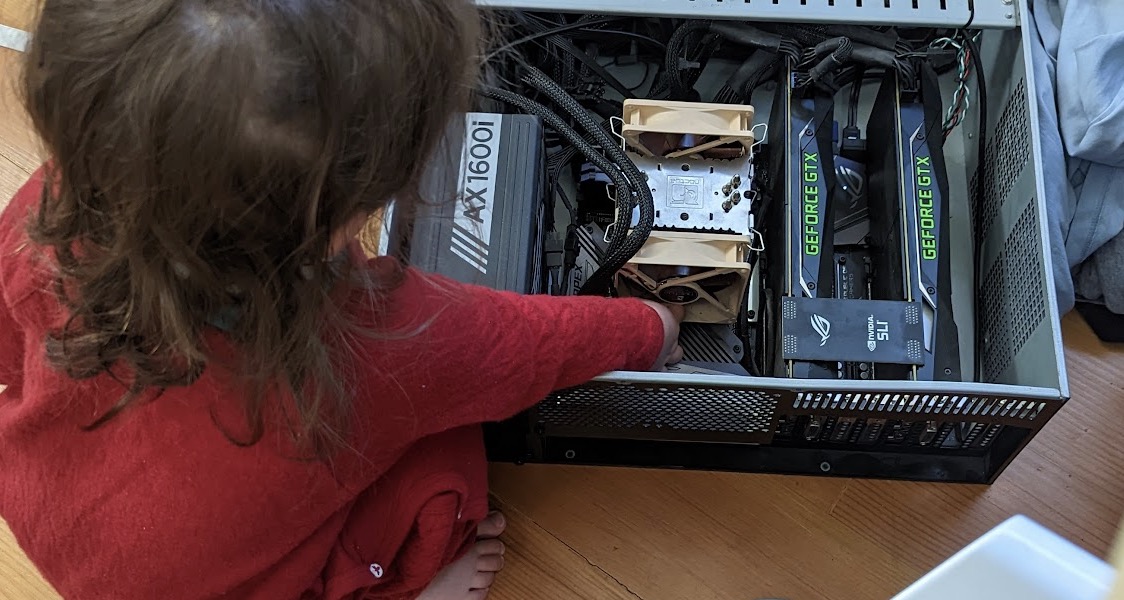 Can you name each component?
At Tesla Autopilot, when we were doing early candidate screens for @karpathy’s team, one of the prompts was simply a picture of a machine and the candidate had to point out where the RAM was. Great low-pass filter.
Another good exercise is to draw a cartoon systems diagram of a gaming PC and annotate the rough bandwidths between the components. It is harder than it sounds. It is also excellent training. Google’s Latency Numbers Everyone Should Know is in the same spirit. Internalizing those orders of magnitude changes how you reason.
If you do not want to build a PC, you can also specialize earlier on the distributed side and buy more than one small machine instead. Two Mac Minis will teach you different lessons, but still good ones.
Run a Real Workload
This step is essential, yet people skip it all the time.
Do not stop at assembling hardware and maintining infra. Put a real workload on it. Your workload. It does not need to be world-changing, but it should be something that at least one person actually cares about, ideally including you. If possible, make it something that benefits from a GPU, then try to make it fly.
That is what AI systems work actually is: making real workloads go faster, cheaper, or more reliably. Dogfooding matters. If you never run the workload yourself, it is very easy to stay stuck in “Infra To The AI” and never get close enough to the problem to develop taste.
Around 2009 I got deep into computer vision and found that GPUs were dramatically more cost-effective than CPUs for the kinds of workloads I cared about. I tried hard to make OpenCL work, but CUDA kept winning on performance and ecosystem.
Later, in 2019, I played a lot of Dota with my NVIDIA friends and wrote an RL Dota Bot, in the spirit of OpenAI’s project. I learned a ton from building it, and it gave me something concrete to talk about over coffee with legendary @gdb.
 NVIDIA After Hours Gaming League - won from Intel and AMD but Google whooped our ass.
Especially if you want to put the AI into AI infra, you should also understand backprop at least at a high level, and learn one Python ML framework -cough- Pytorch -cough- well enough to be dangerous.
Yes You Should Build Your Own Server
Once you have a PC and a workload you care about, the next step is to turn that setup into a server.
Conceptually, this is less exotic than it sounds. In many cases, you are just moving your machine into a rack chassis and putting it somewhere it can run like a piece of infrastructure instead of like a workstation. That shift teaches you a lot.
I got my first GPU server in 2011. At the time, I was building a website where you could upload a photo and get camera calibration results back.
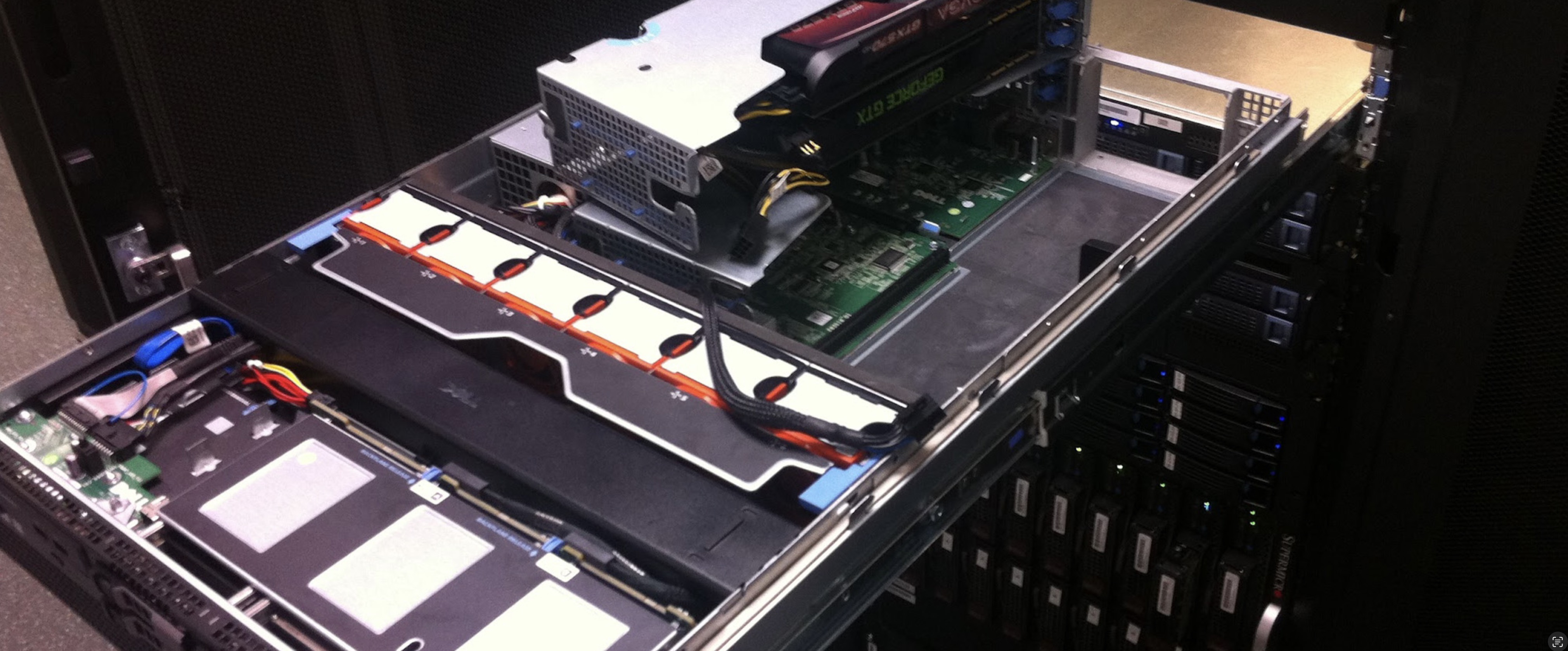 2011 - My First GPU Server.
I bought a Dell server because it had room for the GPUs. I moved my gaming cards into it, messed with the power connectors —still an issue in 2026— and I felt so pro. I later upgraded it to dual GTX 670s, and that server stayed in operation until 2023 (12y!!).
Fwiw, someone else did the sysadmin on this one, I had a lot to learn. That was part of the point. A home pc can be flaky and still be fine. A server has to keep working. It needs to boot cleanly, stay up, survive reboots, and be manageable enough.
Pro tip: racks on wheels are underrated. U can get one that fits under a desk, holds multiple nodes, and gives you space for shelves, drawers, switches, and all the other hardware that seems to appear once you start doing this seriously.
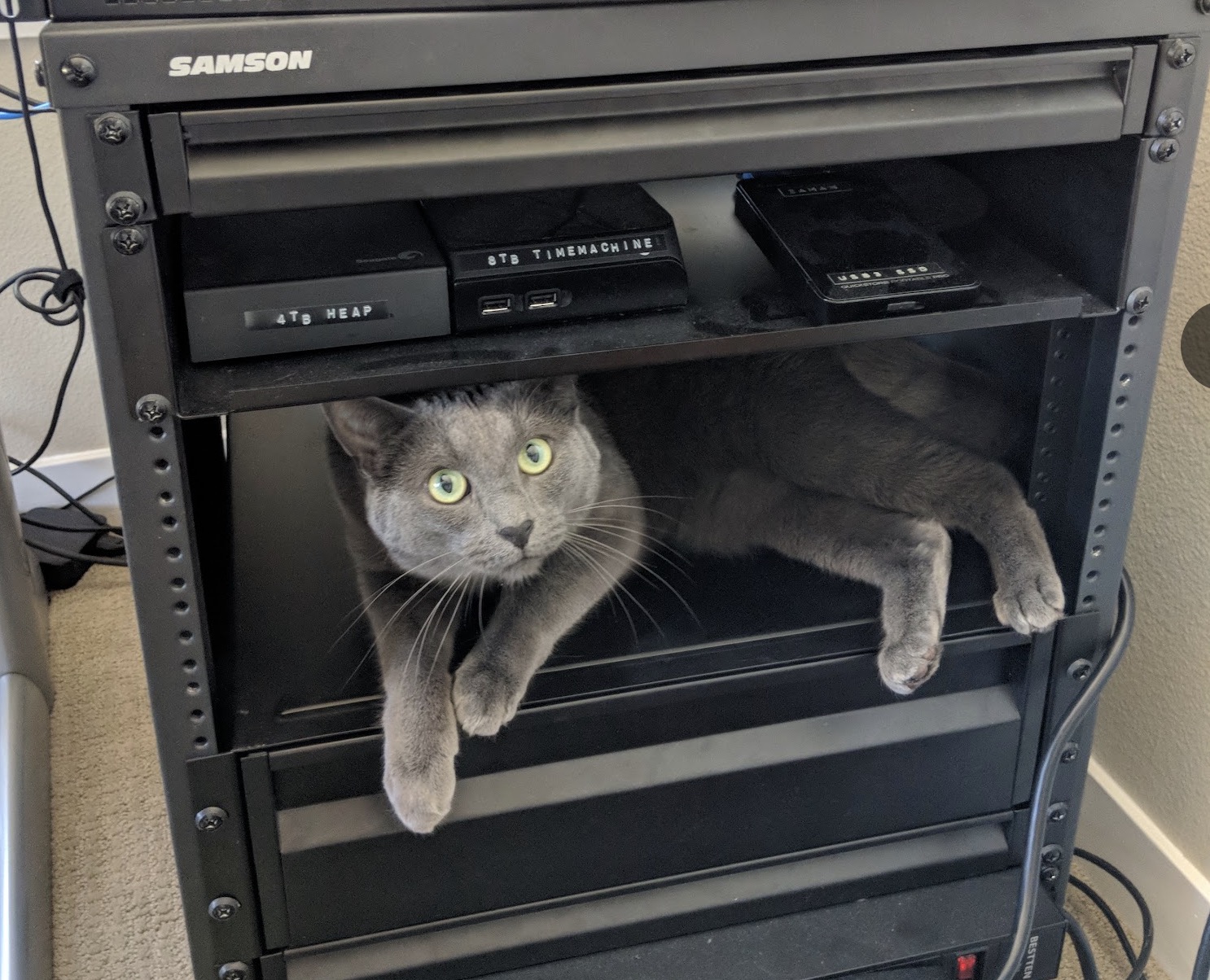 Tacocat taking up that rack space
Learn What Changes When N > 1
One machine teaches you hardware and operations. More than one machine teaches you systems.
Once you have a server, try to put it somewhere that is not your house. Colocate it. Do it even if the setup is small and slightly shabby. The experience is worth it. You get to visit a datacenter, talk shop, and learn what changes when the machine is no longer physically next to you.
Managing one server can already be toil. Managing more than one forces a different set of questions. How do the nodes boot? How do you reach them when something goes wrong? What happens to your workload if the network drops for ten seconds and then comes back? What state lives on the node, and what state lives in the control plane? What is the blast radius when the scheduler, metadata store, or shared storage has a bad day?
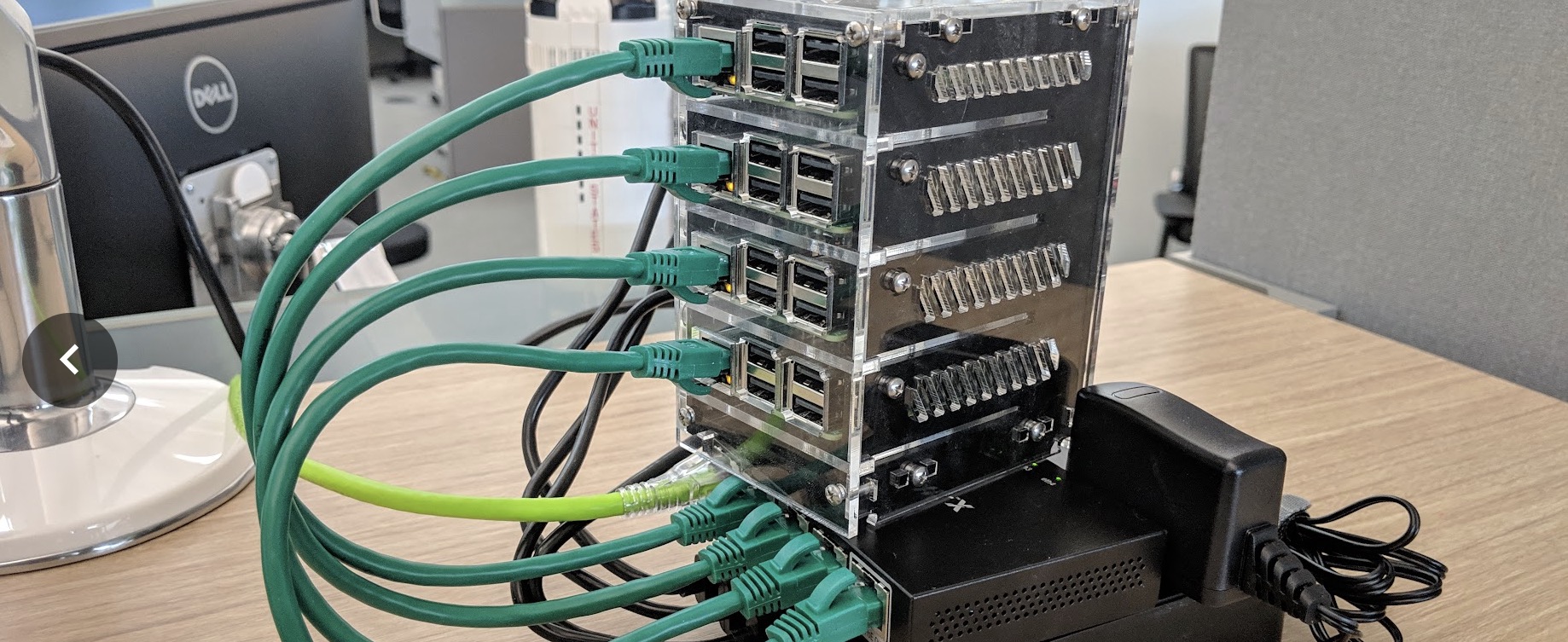 2018 - My 10 Watt Cluster.
I had used many clusters at work by that point, especially at NVIDIA, but building one from scratch yourself is different. That is when tools like k8s stop being resume slop and start becoming ways to reason about placement, failure, recovery, and remote operations. The point is not to worship any particular orchestrator. The point is to experience firsthand that distributed systems are mostly about the weird cases.
Fwiw, a tiny cluster of low-power machines still teaches the right lessons. But don’t be smart and spin up multiple VMs, the real multi-node part is important, because it’s real.
Landing a Job
A lot of people ask how to break into this field. My answer is still the same: build things and show the receipts.
In 2016, I had privately forked a GitHub project from NVIDIA. I decided the work was good enough to share, so I spent a day cleaning it up and sending a few pull requests. The team in the US was hiring, and they emailed me asking if I wanted to do that work for real. So I flew to Santa Clara with my mom —no joke— and from my perspective absolutely bombed the interview. I got hired anyway. The PRs mattered.
There are many ways to get a job, but there is still nothing better than a good PR. Start with a small bugfix, then minor optimizaiton, and then (harder) suggest a tasteful feature. Especially features result in a lot of back and forth with the devs.
Being active in the GitHub community has far more signal than being known at AI house parties. Make your work discoverable. Put your actual face on GitHub and X. It is a small thing, but I have recognized a surprising number of people in the wild just from their profile photo.
Publish Your Work
My dad once told me that being a good photographer is only half about taking the picture. The other half is publishing it.
Do not be too shy about sharing what you build. Open-source things. Contribute bugfixes, optimizations and features in PRs. Make sure to publish or you won’t be found and have nothing to prove. Just a Stanford degree, or tenure at Google says little these days.
A lot of the best opportunities in this field come from visible work.
So wrapping up, my advice is simple: build one machine, run one real workload, turn it into a server, make it distributed, and publish what you learn along the way. It’s the highest-signal route I’ve seen.
Please reach out if you need help with your project, any other questions or if you’re curious about work at OpenAI!
Addendum - Never Stop Playing
The above described behaviours still apply to even the most distinguished engineers! If you’re curious about something, play with it! I have learned so much just by messing around with stuff. Many of the below items are cumbersome or just plain impossible to do at work.
When NVIDIA came out with BlueField, I couldn’t get a straight answer what OS it’s running and how it interfaces with the host device. Turned out it was running Ubuntu lol. Had to build a mount to keep it cool. The ebay listing said “Nvibia” and was placed on a white-laced grandma-style table.. wtf

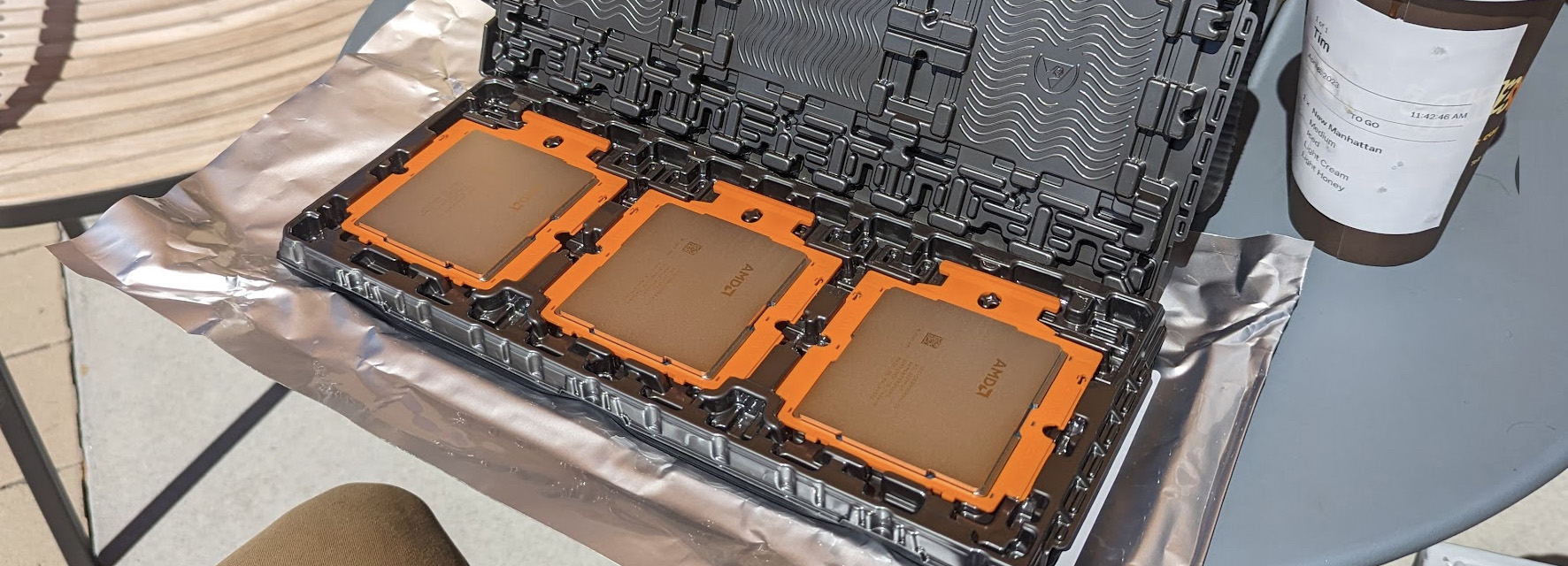
I needed more PCIe lanes run some tests out so I bought these engineering samples from Philz. Bit sketch. But like an idiot, I didn’t realize how hard it was to get a solid mobo for this. And then when I got the mobo, i had to spend $1000 on the ram (which is now worth like $5000 on secondary market).
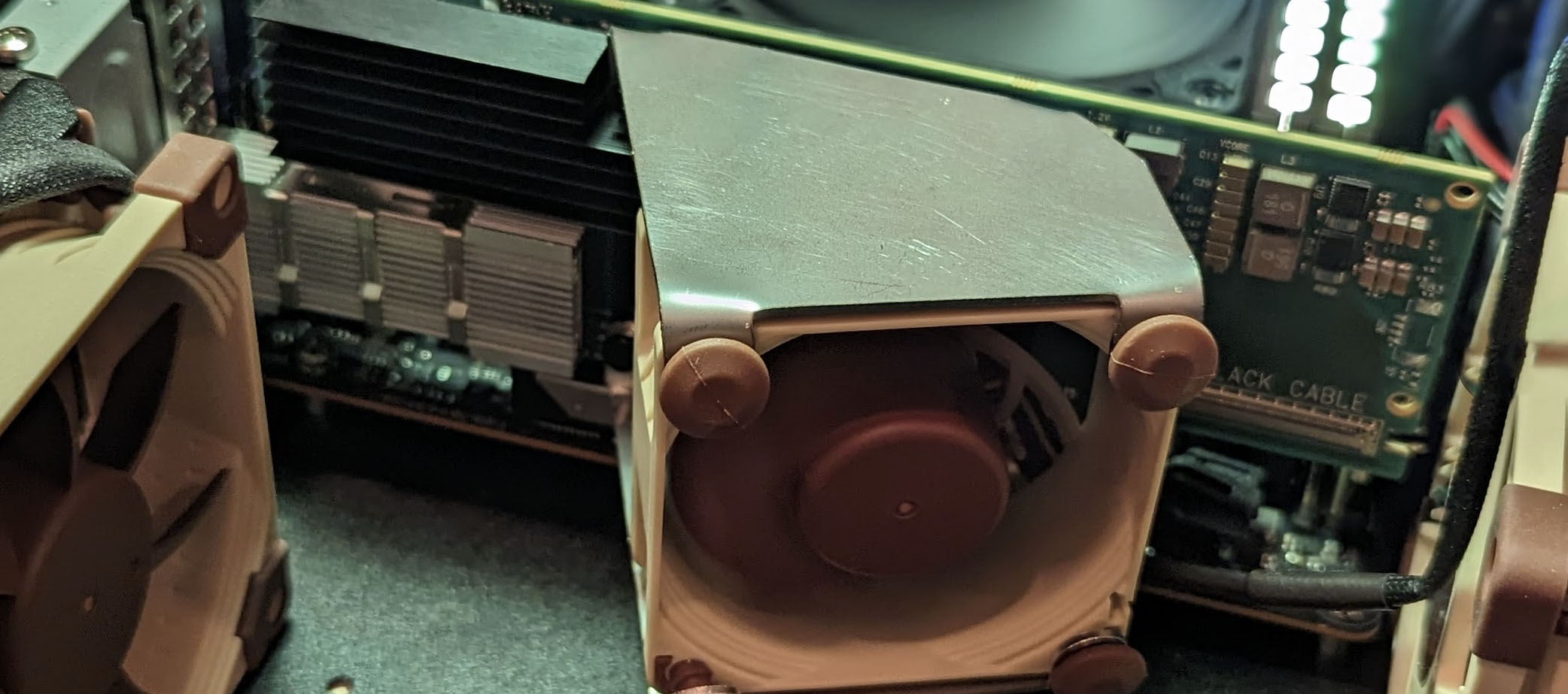
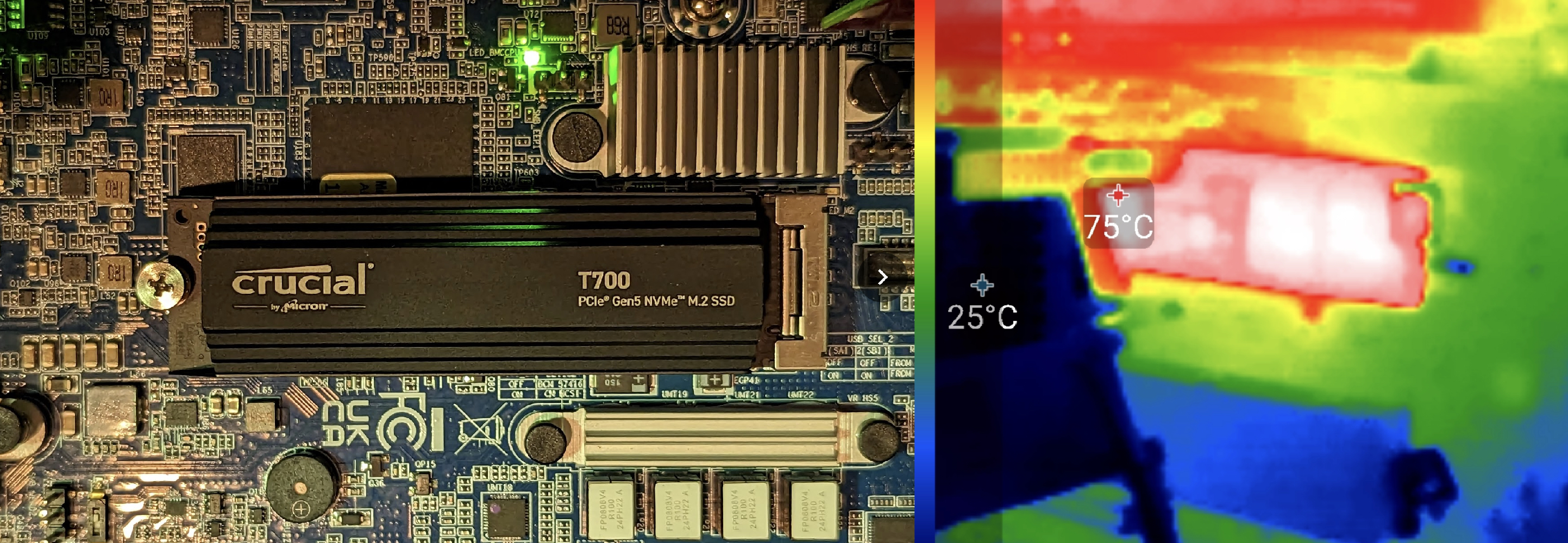
I wanted to understand thermal failure modes more, so I did many tests. On some NVMe’s i tried this was actually super interesting, because in one failure case, the thermal trip will not recover until cold boot, and it would run in degraded state until then.
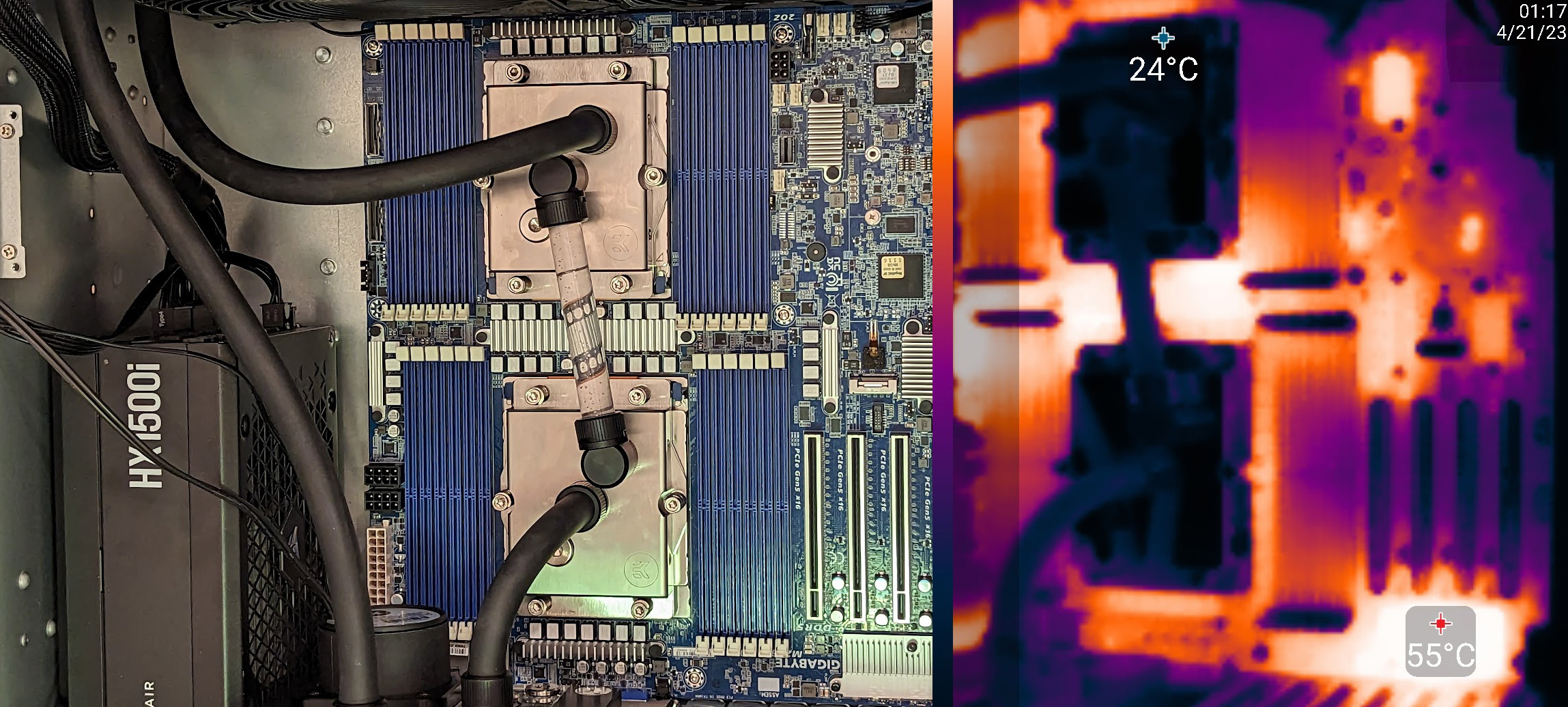
Liquidcooling was all the hype, so I figured I need to understand it better: flowrates, temp gradients, leaks, negative-pressure loops, etc. I learned it was extremely effective, but the adjacent mobo components would overheat due to lack of airflow.